Shooting and editing video on a smartphone eats your battery. Always take a powerbank so you can top up during the day.
TIP: When choosing a power bank, check the mAh figure. The higher the figure, the more times you can charge your smartphone. Go for 20,000 mAh if you can. On aircraft, power banks must be taken in your cabin baggage, not the hold. There are also maximum power limits, usually around 27,000 mAh. Check with the airline before you travel.
EC Technology 22,400 mAh (£22). Charges three devices simultaneously. Weighty but fast
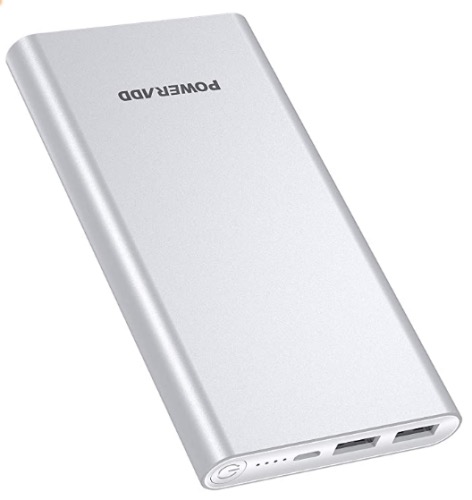
Poweradd Pilot 2GS 10,000 mAh (£15). Charges two devices simultaneously. Slimmer but slower.
Anker PowerCore 5000 mAh (£20). Charges one device only, but fits in your pocket/bag.
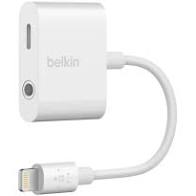
Belkin Rockstar adaptor (£30). Allows you to keep charging while also recording audio. They also sell a version with a double lightning port and one with USB-C and 3.5mm ports.
Extra memory
Video eats memory, especially if you are shooting at high resolution, such as 4K. I’d always recommend clearing plenty of space on your smartphone before going on a shoot.
Android owners have an advantage as most Android smartphones will take an external microSD card for extra memory.
Smartphone filming is all about making the best use of the available light. Daylight is free! But a small light or two can improve the look of your video, especially when filming indoors.
TIP: Whichever light you buy, make sure it has a brightness control so you can adjust the light level and a diffuser or filter to tone down the harshness of bright white light.
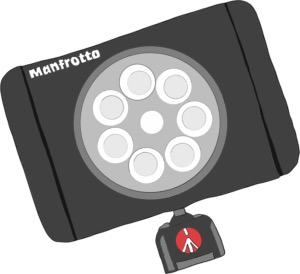
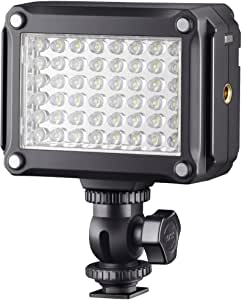
Manfrotto Lumimuse rechargeable LED light. 6 LED (£59) or the less powerful 3 LED (£45). Use with the filters supplied, otherwise the light is too harsh.
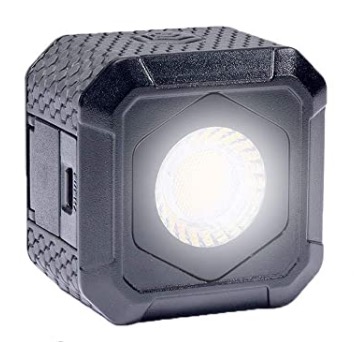
Lume Cube Air (£80) is more expensive, but is really compact and has a magnet for clamping to metal surfaces, a diffuser and a wireless control. It’s also waterproof!
Ulanzi (£15). A cheap and cheerful battery-powered light.
Ask yourself – what did you think the last time you saw a video on social media with terrible sound? Unprofessional maybe? How long did you spend watching it? It’s a fact that more smartphone videos are ruined by rubbish sound than anything else.
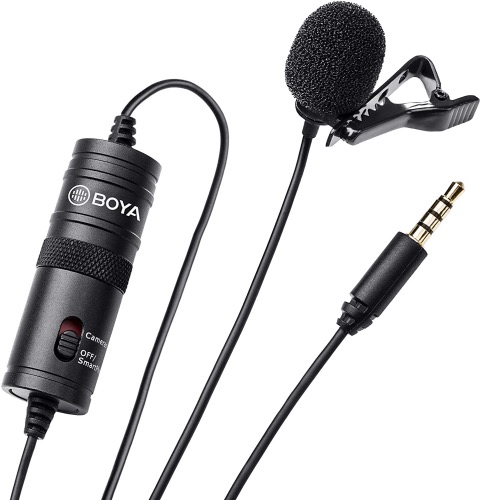
Even a basic lapel microphone clipped to a jacket or top will transform your audio quality.
I use a lot of Rode products, which is why I’ve recommended so many, as they are good mix of quality and value for money, but I’m hearing good things recently about Deity. Sennheiser is a high quality brand, but their products are usually pricier.
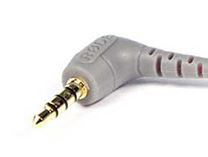
TIP: Make sure any audio kit you buy has TRRS connectors, which have three black bands on the jack. TRS jacks have only two black bands, and will not work on smartphones, although you can buy a TRS to TRRS adaptor, such as the Rode SC7 (£13).
TRS jack
TRRS jack
Lapel microphones
These are ideal for interviews. I’d recommend buying an extension cable as the cables on these mics often don’t stretch quite far enough, especially with social distancing rules in place.
TIP: If you don’t have an external microphone with you, use the microphone on the earphones that came with your smartphone. The quality can be surprisingly good!
TIP: Apple took away the audio jack port from the iPhone 7 onwards, so you will need an adaptor (£9) to fit a 3.5mm audio jack into the charging port. Some Android phones have also ditched the audio jack so you will need a USB-C adaptor (£5).
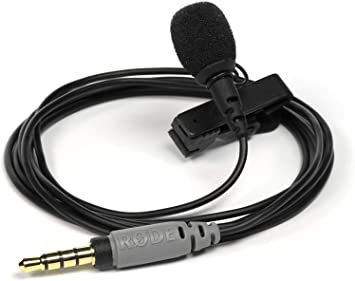
Rode Smartlav+ (£50). A robust, good quality mic that I use these for my own projects.
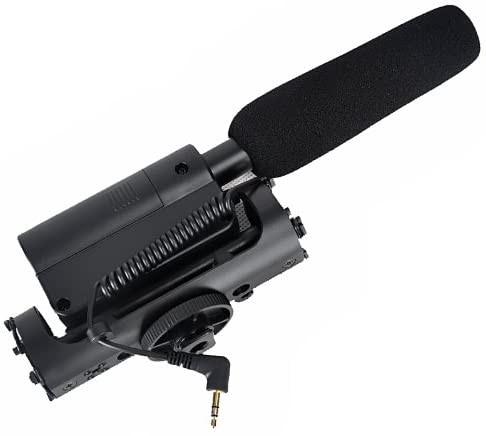
These are great for general audio and interviews. A directional microphone records audio in front of the camera, filtering out sound from the sides and rear, which is what you want on location.
TIP: Buy a windjammer or muffler (sometimes call a ‘dead cat’) that fits over your microphone on windy days. Buy one for any microphone you plan to use outside, or your shoot will be ruined by wind noise.
Rode VideoMic Go (£77). Buy with Rode SC7 TRS to TRRS adaptor (£13), otherwise it won’t work with a smartphone.
Rode VideoMic Pro (£135) features controls to cut out low frequency noise (like air conditioning) and a dB boost to increase sensitivity. Worth the extra money.
Takstar SGC-598 (£34). Great value for money option. You will need a Rode SC4 TRS to TRRS connector.
Rode Videomic Me-L (£70) plugs directly into the lightning port of an iPhone. Another version (£45) plugs into the 3.5mm port on the phones that still have them.
Boompoles
These can be vital for social distancing when recording interviews. To cut handling noise, consider a shock mount (£8) to go at the end of the pole.
Rode’s range starts with the Micro boompole (£45), which extends to 2 metres.
I’ve also heard good things about the Andoer 3.5m pole (£43), though I’ve not tested it myself.
Radio microphones
These remove the need for cables and take out a lot of the hassle in shooting interviews. Useful for social distancing interviews too. Up till recently, they were too big, too bulky and too expensive for smartphone shooters. Not any more!
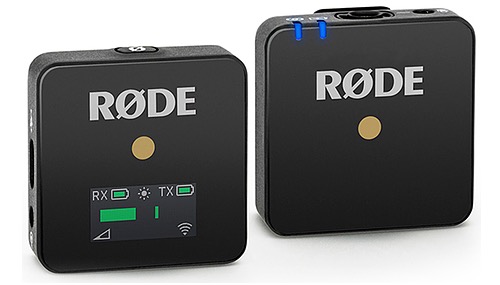
Rode have the amazing WirelessGo for less than £180. The receive and transmit units are small enough to fit in the palm of your hand. The range is around 70m using the 2.4GHz licence-free frequency. The TX (transmit) unit has an in-built microphone so you can just clip it to clothing if you’re in a hurry. A clip-on wind muffler is included. For best quality, plug a lapel mic into the TX unit, though you will need a Rode SC3 adaptor (£11) to make this work.
Handheld or stick microphones
These are ideal for high quality interviews. The microphone can be easily moved to and fro between interviewer and interviewee.
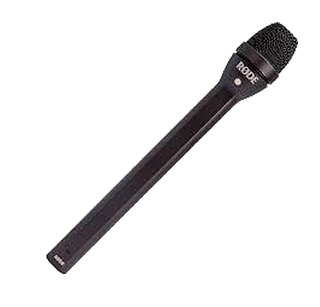
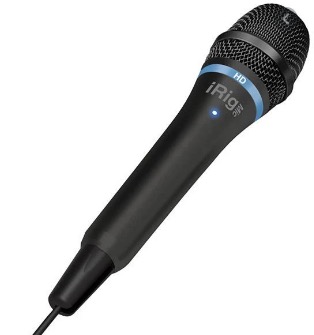
Rode Reporter (£115) has a three-pin connector, so can’t be plugged directly into your smartphone. I use an iRig Pre (£35) as an interface; this also gives me more control over audio levels. You’ll also need an XLR cable (£6).
Monitoring your audio via headphones while recording an interview is a real plus. Use a splitter, which combines both a headphone and microphone input.
The Rode SC6 (£13) has a 3.5mm jack, so you’d need to combine it with a lightning port adaptor for IOS.
Shoulderpod S1 (£25) – Shoulderpod kit is good, but this lacks a cold shoe mount.
Two-handed grips
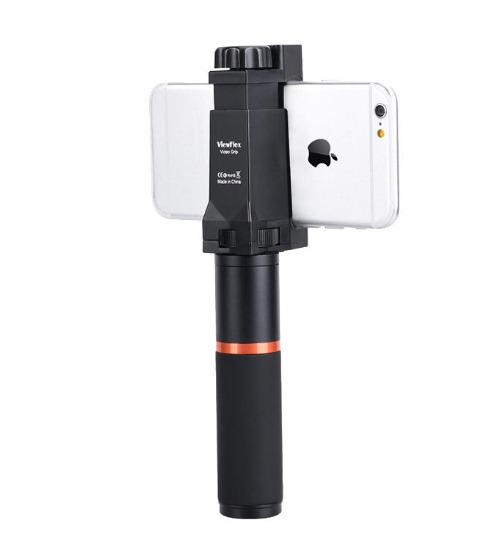
These are worth having if you are want to mount accessories, such as a light or microphone. Make sure they are adjustable for different sizes of smartphone.
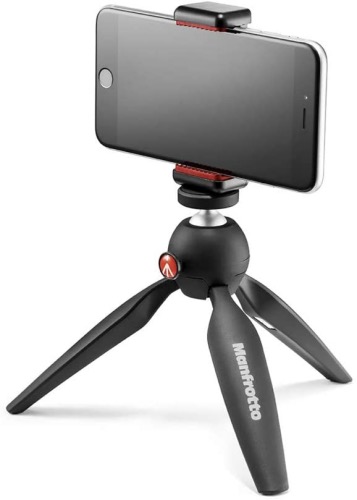
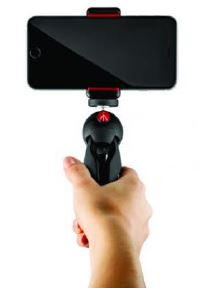
These are lighter and easier to carry than a full tripod. Some monopods come with small feet so they can stand upright without support – but beware, they can blow over in a strong breeze and wreck your gear!
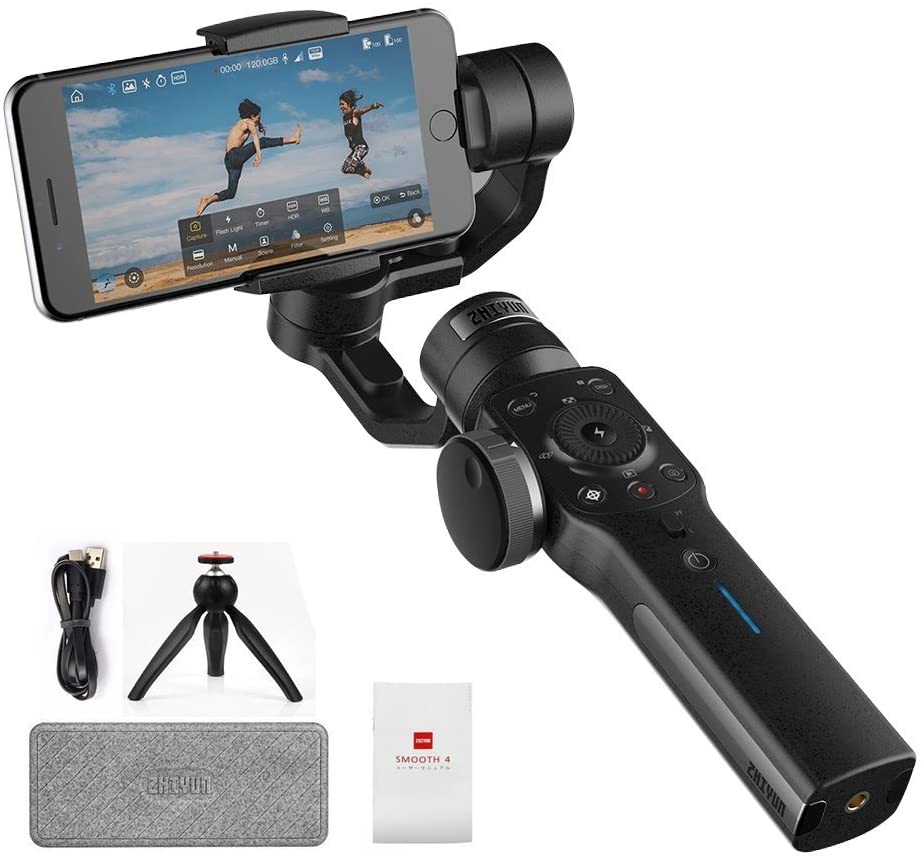
These used to be unaffordable for smartphone shooters. Now the price has come crashing down to well under £100. Gimbals are the ultimate solution for smooth moves while shooting.
Zhiyun Smooth 4 (£89): I use this one and you’ll see it on our advanced course. It features a wireless interface with the Filmic Pro app.